Operational software that turns complexity into control.

Clamator builds applied AI, voice automation, and custom workspaces for high-trust organizations.

Faculty workspace in ClassMate LMS showing course administration, lecture documents, and document viewer.
ClassMate LMS Live production-style deployment
3 disciplines

Applied AI, voice automation, and multi-role operational software

Human-in-the-loop

Staff review and final confirmation built into every automated flow

Live deployments

Working browser environments ready to test with sample accounts

Custom-built

Engineered around your exact operational rules and permissions

Three disciplines, one operating stack.

Most vendors ship isolated tools. The compounding value comes from wiring operational workspaces, voice intake, and grounded AI into one system your staff actually run.

01

Operational workspaces

Multi-role platforms for structured administration, document trees, schedules, and institutional records—built around how teams actually coordinate.

02

Voice and intake automation

Conversational voice systems that handle inbound scheduling and service requests while keeping front-desk operators in final control.

03

Grounded AI copilots

Context-aware assistants wired directly into live schedules, documents, and records—surfacing what needs attention without guesswork.

Working software, not slide decks.

Evaluate live deployments directly in your browser using preconfigured accounts and sample data.

ClassMate LMS

A multi-role learning management environment for course administration, structured lecture materials, and real-time faculty-to-student communication.

  • One-click role switching between faculty and student views
  • Centralized course documents, announcements, and discussion threads
  • Resettable sandbox built for live institutional evaluation
Launch LMS demo

Preconfigured demo accounts included.
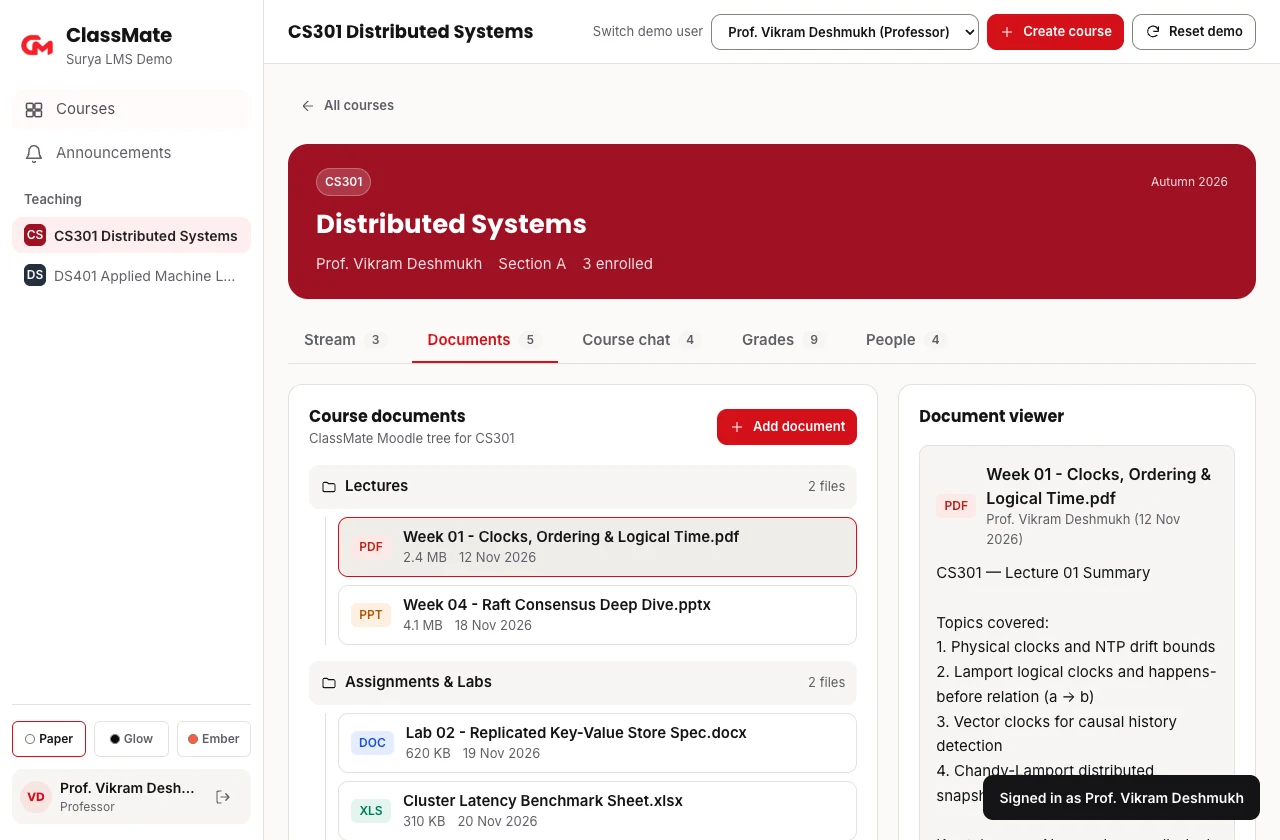
Faculty view in ClassMate LMS showing course administration and lecture documents.
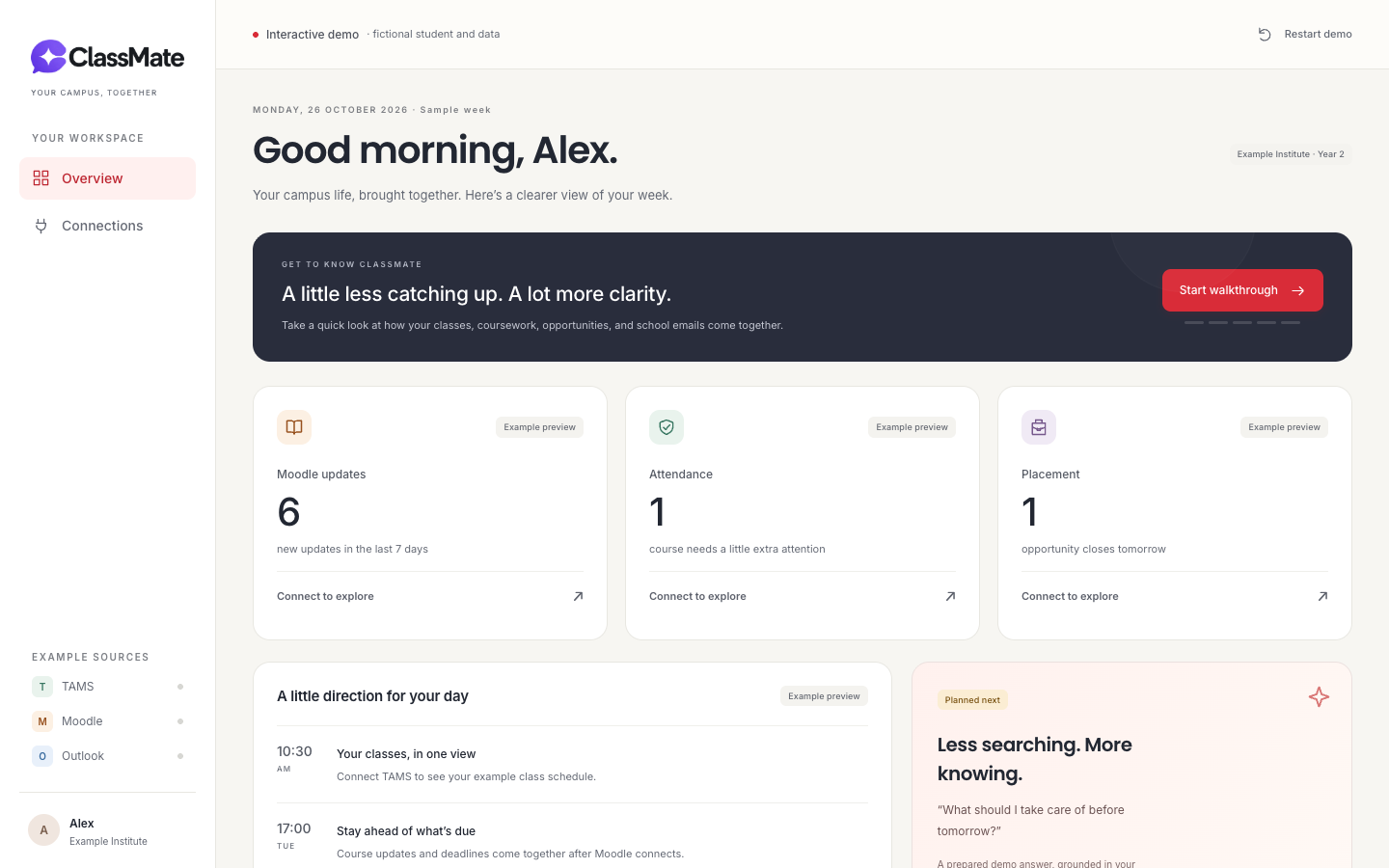
Student workspace in ClassMate showing weekly timetable, coursework updates, attendance status, and assistant guidance.

ClassMate student assistant

A unified workspace bringing together daily schedules, coursework updates, attendance tracking, and a grounded operational assistant.

  • Consolidated view of timetables, submissions, and announcements
  • Direct access to course readings and attendance records
  • Contextual assistant grounded in live schedules and materials
Launch student demo

Runs directly in your browser with sample data.

Systems built for high-accountability workflows.

Each engagement delivers production software engineered around your operators, demonstrated through guided walkthroughs.

Voice reception and intake

An automated voice assistant handles inbound appointment and service requests over the phone. Staff review each call record and confirm bookings without losing control of the schedule.

voice intake call review queue staff confirmation

Digital examination infrastructure

End-to-end assessment software for authoring papers, supervising live attempts, and publishing verified results from a single administrative console.

paper authoring live monitoring result release

Multi-role learning platforms

Course workspaces uniting document repositories, announcements, and role-based permissions for faculty, administrators, and students.

role switching document trees course chat

Grounded operational assistants

Domain-specific copilots connected to schedules, attendance, and internal documents so users get direct answers instead of hunting across portals.

grounded answers schedule sync material retrieval

From operational bottleneck to running system.

Every architecture is grounded in how your operators work before a single screen is built.

01

Map

Audit existing workflows, operator responsibilities, handoff delays, and approval rules.

02

Architect

Design role-defined interfaces, data models, and human-in-the-loop checkpoints.

03

Build

Engineer production software and interactive staging environments with realistic workflows.

04

Deploy

Run guided walkthroughs with your team and transition smoothly into daily operations.

Where does your operation slow down?

Share the workflow your team handles today and where current tools fall short. We will outline what a purpose-built system could look like.